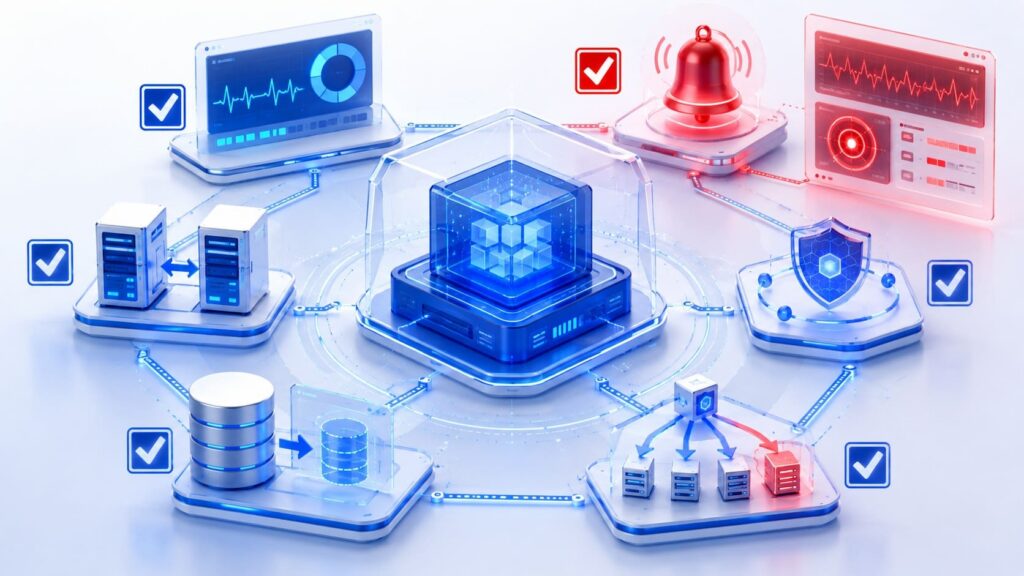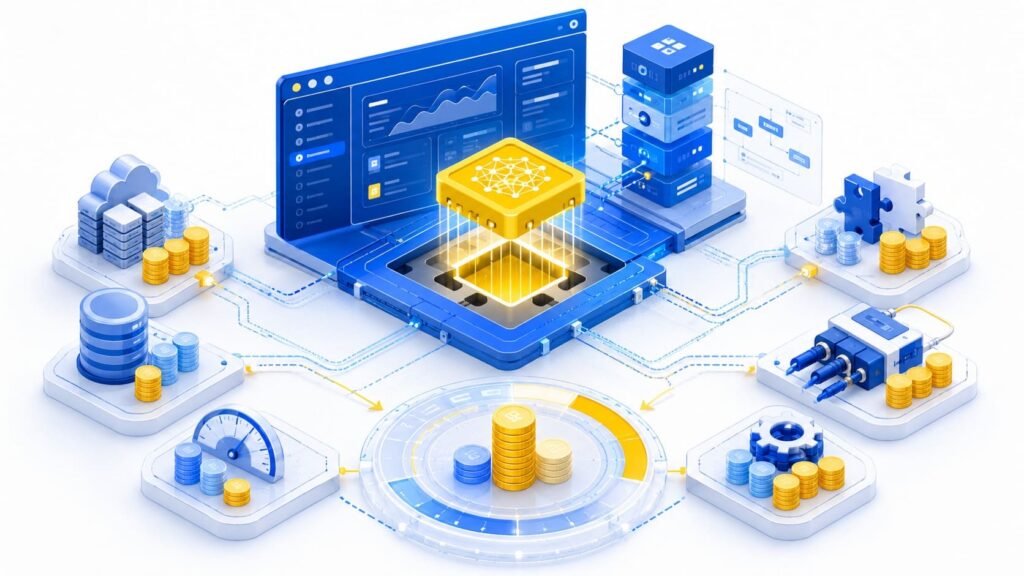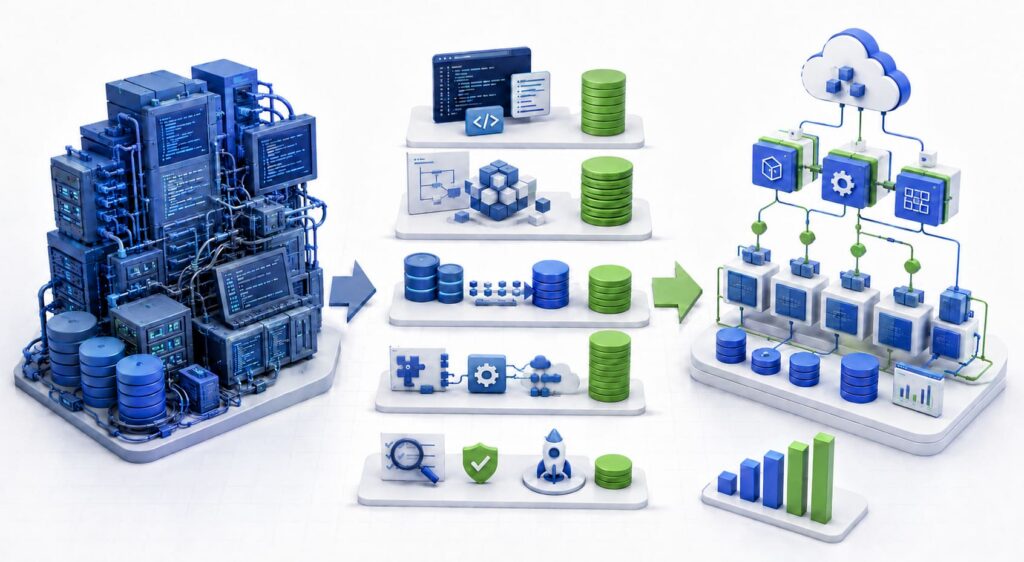
Article Highlights
- Business process automation costs can range from $2,000–$10,000 for a basic workflow to $250,000–$1 million or more for an enterprise program.
- Integrations, process exceptions, data complexity, security controls, and reliability requirements create most of the implementation effort.
- Strong automation candidates are frequent, rule-based processes with digital inputs, measurable outcomes, and significant manual work.
- The technical approach should be selected after the process is mapped and can combine native features, low-code tools, APIs, RPA, orchestration, custom software, and AI.
- A complete budget includes discovery, implementation, licenses, infrastructure, testing, rollout, training, monitoring, support, and future changes.
- A limited pilot with an accountable process owner helps verify value and technical feasibility before automation expands to other workflows.
Business process automation costs can range from a few thousand dollars for a simple low-code workflow to $250,000 or more for an end-to-end process involving multiple systems, legacy applications, sensitive data, and complex approval logic.
The range is wide because automation projects can have very different technical requirements. One workflow may connect two SaaS applications through ready-made connectors. Another may need to integrate an ERP, a legacy application, document processing, approval stages, exception handling, and human review.
Software subscriptions represent only one part of the budget. The main differences in business process automation cost come from the process scope, number and condition of integrations, exception volume, security requirements, data sensitivity, testing needs, and production standards.
IBM defines business process automation as the use of software to automate complex, repetitive processes. These processes often span several departments and connect multiple enterprise systems, which explains why implementation costs cannot be estimated from license prices alone.
Business Process Automation Cost by Project Scope
Early budgeting requires planning ranges that reflect the scope of automation rather than a single average price. The table below compares business process automation cost across five levels, from a basic no-code workflow to an enterprise automation program. It also shows the typical delivery period and ongoing operating cost for each level.
The following ranges are indicative planning estimates based on common implementation scopes. Actual costs vary by delivery location, team composition, platform licensing, integration complexity, transaction volume, security requirements, and support model.
| Automation scope | Typical example | Delivery time | Indicative implementation cost | Indicative monthly operating cost |
|---|---|---|---|---|
| Basic no-code workflow | Form submission, CRM update and notification | 1–4 weeks | $2,000–$10,000 | $20–$500/month |
| Cross-system workflow | CRM, accounting system and approval flow | 1–3 months | $15,000–$60,000 | $200–$2,000/month |
| Robotic Process Automation or document automation | Invoice extraction, validation and legacy-system entry | 2–4 months | $30,000–$120,000 | $500–$5,000/month |
| Department-level automation | End-to-end onboarding, order processing or accounts payable | 3–6 months | $75,000–$250,000 | $2,000–$15,000/month |
| Enterprise automation program | Multiple processes, departments and regulated systems | 6–12+ months | $250,000–$1 million+ | $10,000+/month |
All estimates are presented in USD and exclude taxes and internal employee time unless stated otherwise. They are planning ranges rather than standard market rates. Implementation costs assume a production-ready solution that includes configuration or development, integrations, testing, documentation, initial monitoring, and deployment. They exclude ERP replacement and core platform rebuilding.
Lower estimates assume a stable process, limited exceptions, reliable data, and available connectors or APIs. Costs increase with legacy systems, custom integrations, numerous exception paths, high availability, sensitive data, and regulatory controls.
Monthly operating costs can include platform subscriptions, cloud usage, monitoring, connector fees, AI or document-processing usage, support, and maintenance. A reliable estimate requires process discovery and a technical assessment of volumes, systems, data flows, exceptions, security, ownership, and support requirements.
Which Business Processes Should Be Automated?
Strong automation candidates run frequently, follow stable rules, use mostly digital inputs, and produce measurable results. They often involve repetitive work, manual data transfer, recurring errors, multiple participants, or time-sensitive handoffs. Priority should go to processes where delays or failures affect revenue, service levels, customer experience, or compliance.
IBM identifies high-volume, repetitive, time-sensitive processes involving multiple participants as suitable candidates for business process automation. These characteristics also make implementation value easier to measure through saved time, fewer errors, shorter cycle times, and improved completion rates.
The table below provides examples across industries, business functions, and operational process groups. It can help organizations identify comparable workflows, but each process still requires an assessment of volume, rules, exceptions, integrations, and risk before estimating the business process automation cost.
| Business area | Potential automation candidates |
|---|---|
| Insurance Operations | Claim intake; document collection; policy validation; claim classification; adjuster assignment; status notifications; payment approval routing; fraud-flag escalation; renewal reminders; compliance record creation |
| Healthcare Administration | Appointment reminders; patient registration; insurance eligibility checks; referral routing; document collection; claims preparation; billing workflows; follow-up scheduling; consent tracking; administrative report generation |
| Financial Services | Customer onboarding; KYC document collection; transaction review routing; account-opening workflows; loan application processing; credit-review preparation; payment reconciliation; suspicious-activity escalation; reporting workflows |
| Media and Entertainment | Content ingestion; metadata validation; asset approval; subtitle and localization requests; publishing schedules; rights expiration alerts; content distribution; campaign asset delivery; playback incident routing; royalty report preparation |
| Data and Reporting | Data extraction from multiple systems; recurring report generation; data validation; file consolidation; dashboard updates; report distribution; missing-data alerts; data-quality notifications; scheduled exports; regulatory reporting preparation |
| Security and Access Management | Access approvals; role assignment; temporary access expiration; privileged-access reviews; inactive-account detection; access revocation; security alert routing; evidence collection; recurring control checks; policy exception tracking |
| Compliance and Risk | Regulatory evidence collection; policy acknowledgement; mandatory review reminders; compliance checklist completion; case escalation; audit preparation; document retention; risk assessment routing; issue remediation tracking; recurring certification |
| Finance and Accounting | Invoice capture and validation; accounts payable approvals; purchase order matching; expense report processing; payment reminders; bank reconciliation; recurring billing; tax document collection; financial report preparation; budget approval routing |
| Customer Onboarding | Account creation; identity or document verification; welcome communications; contract collection; payment setup; implementation task creation; training scheduling; product access activation; onboarding progress updates; incomplete-step reminders |
| Customer Support | Ticket classification; priority assignment; routing to the correct team; SLA monitoring; acknowledgement messages; duplicate-ticket detection; standard request processing; escalation alerts; refund approval; customer status updates; case closure surveys |
| Business Operations | Request intake; work assignment; approval routing; recurring task creation; scheduling; status synchronization; document generation; deadline reminders; operational reporting; exception escalation; completion confirmation |
Processes That Should Be Improved Before Automation
Automation should be postponed when a process changes frequently, lacks an accountable owner, or contains more exceptions than standard cases. Incomplete source data and decisions that depend on complex human judgment also make reliable automation difficult.
Low-volume, low-impact workflows may not generate enough value to justify the business process automation cost. The same applies when the team cannot document the current workflow or when unnecessary steps are the main source of delay.
Before implementation, assign ownership, standardize rules, improve input data, and remove activities that do not contribute to the result. Otherwise, automation can preserve inefficient practices and increase maintenance costs.
Choosing the Right Automation Approach
Business process automation can rely on native application features, low-code platforms, APIs, RPA, orchestration, custom software, AI, or a combination of these methods. The choice should follow an assessment of process rules, transaction volume, connected systems, exceptions, security requirements, and long-term maintenance. These factors also have a direct effect on the business process automation cost.
A single process can combine several approaches. For invoice processing, AI can extract data from documents, an API can validate suppliers, a workflow platform can coordinate approvals, and an RPA bot can enter approved information into a legacy system.
Native SaaS Automation
CRM, ERP, HR, accounting, and customer support platforms often include workflows for notifications, assignments, approvals, and status changes. Native automation is usually the simplest option when the process remains within one application. Its limitations become more visible when workflows require complex logic, advanced exception handling, or data exchange with external systems.
No-Code and Low-Code Workflow Automation
Platforms such as Power Automate, Zapier, Make, and n8n connect applications through visual workflows and existing connectors. They are suitable for predictable tasks such as notifications, CRM updates, lead routing, document creation, and scheduled reporting.
The business process automation cost can rise as transaction volumes increase or workflows require sensitive data, custom logic, stronger monitoring, and higher availability. Connector limits and usage-based pricing should therefore be assessed before selecting a platform.
API Integration and iPaaS
APIs provide structured communication between systems. Integration platforms such as Workato, MuleSoft, and Boomi add connectors, data mapping, monitoring, and workflow logic.
This approach suits processes that exchange data between CRM, ERP, finance, support, and internal applications. Reliable implementation requires authentication controls, data mapping, rate-limit management, error handling, retries, and monitoring.
Robotic Process Automation
RPA imitates actions performed through a user interface, including opening applications, entering data, downloading files, and copying information. UiPath and Power Automate Desktop are common examples.
RPA is useful when a legacy application lacks an appropriate API. Bots remain dependent on interface structure and can fail after screen or field changes. Production use also requires credential management, orchestration, virtual machines, logs, retries, and technical support.
BPM and Process Orchestration
BPM platforms such as Camunda can coordinate long-running business processes that include people, approvals, timers, and business rules. Application orchestration services such as AWS Step Functions coordinate distributed services, retries, state transitions, and failure handling.
These approaches suit processes that require durable execution, visibility, escalation, and recovery, but they require more architecture and operational maintenance than a basic workflow tool.
Custom Automation
Custom development is appropriate when a process contains company-specific rules, supports a core product, needs a dedicated interface, or depends on integrations unavailable through standard connectors. It gives the company direct control over logic, data handling, deployment, and monitoring.
Custom software also creates ongoing responsibility for security, testing, hosting, documentation, and support. TechBar’s Software Product Engineering services provide more information on building and maintaining software for company-specific operational requirements.
AI and Document Automation
AI can process invoices, contracts, forms, emails, images, and support requests. It can extract information, classify content, create summaries, and identify intent.
This approach can support tasks that require probabilistic classification, extraction, or interpretation rather than deterministic rule execution. Production systems need accuracy checks, confidence thresholds, audit records, exception handling, and human review for sensitive or high-impact decisions.
Process and Task Mining
Process mining analyzes system logs to reconstruct how work moves through applications. Task mining examines user actions performed on desktops. These tools can identify bottlenecks, repeated work, process variations, and compliance gaps.
They provide the most value in high-volume processes with reliable event data. Smaller workflows can usually be assessed through stakeholder interviews, operational records, and process maps.
Document the process, its exceptions, required integrations, and expected transaction volume before comparing automation tools.
What Determines the Final Automation Cost?
The final business process automation cost includes more than software licenses and development. A first-year estimate should account for the work required to understand the process, connect systems, prepare users, operate the solution, and correct failures after launch.
First-year automation cost = discovery and process redesign + implementation + integrations + licenses + infrastructure + testing and security + rollout and training + support
Number and Condition of Connected Systems
Supported connectors and documented APIs reduce custom development. Legacy interfaces, undocumented integrations, manual file exchange, and limited access to source systems require more engineering, testing, and maintenance.
Process Variants and Exceptions
The standard workflow can be relatively simple. Rejected requests, missing data, duplicate records, approval escalations, cancellations, and rollback scenarios often account for a significant part of the implementation budget. Each exception needs a defined response, responsible owner, and recovery path.
Data and Document Complexity
Structured data received through an API is usually less expensive to process than scanned invoices, emails, handwritten forms, or inconsistent spreadsheets. Document quality, format variation, extraction accuracy, and validation requirements all affect the business process automation cost.
Security and Compliance
Processes that handle financial, personal, health, or other regulated data require stronger controls. Role-based access, encryption, audit trails, retention rules, segregation of duties, and compliance evidence add design, implementation, and testing work.
Reliability Requirements
An internal reminder workflow and a payment process have different operational requirements. Business-critical automation needs stronger monitoring, retries, recovery procedures, availability controls, incident response, and support coverage.
Change Management
The budget should include updated documentation, user training, revised responsibilities, and support after launch. Teams also need clear instructions for handling exceptions and completing tasks that remain manual.
Maintenance
APIs, application interfaces, business rules, transaction volumes, and vendor pricing change over time. Every automation requires an accountable owner, monitoring, technical support, and a maintenance budget. These recurring requirements should be included when comparing the total business process automation cost of different approaches.
Cost estimates should document assumptions about transaction volume, exception rates, connected systems, availability, licenses, security, and support. Estimates based on different assumptions cannot be compared reliably.
How to Evaluate the Business Case
The business case should compare the expected benefits with the business process automation cost and the financial impact of keeping the current process. The baseline should include process volume, manual effort, rework, delays, SLA performance, error rates, and current operating costs.
Potential benefits include released employee capacity, lower error and rework costs, shorter cycle times, fewer SLA penalties, reduced compliance effort, and higher throughput without proportional hiring.
Core Business Case Formulas
Annual realized labor value = hours saved per case × annual case volume × loaded hourly cost × realization factor
The loaded hourly cost can include salary, employment costs, and relevant overhead. Hours saved should be based on the measured difference between the current process and the expected automated process. If only part of the released capacity can be reassigned to productive work, the estimate should include an appropriate realization factor.
Annual net benefit = realized labor value + avoided error, rework, delay, and penalty costs + other quantified benefits − annual operating cost
Annual operating cost should include licenses, infrastructure, monitoring, support, and maintenance. Avoided costs should be based on documented rework, incidents, penalties, overtime, or hiring that the automation can reasonably prevent. Revenue-related benefits should use a defensible financial measure, such as contribution margin, rather than total revenue.
Payback period = initial implementation cost ÷ monthly net benefit
If benefits and operating costs are distributed evenly, monthly net benefit can be calculated by dividing the annual net benefit by 12. The result estimates how many months are required to recover the initial business process automation cost.
Benefits should be calculated consistently to avoid double counting. For example, the same released hours should not be counted both as labor value and as avoided hiring unless they represent separate, documented effects.
Time saved should not automatically be treated as cash savings. Its financial value depends on how the released capacity is reassigned, how much overtime or hiring is avoided, and how process throughput changes. Until that value is demonstrated, saved time should be reported as released operational capacity rather than direct cost reduction.
Who Should Be Part of the Automation Team?
Automation requires business ownership, technical delivery, testing, security review, and operational support. The size of the team depends on the process scope and chosen approach, while its structure affects both delivery risk and the final business process automation cost.
The following table outlines the main roles and their responsibilities. In smaller projects, one specialist can cover several technical roles, but business decisions should remain with an accountable process owner.
| Role | Responsibility |
|---|---|
| Executive sponsor | Approves investment and removes organizational blockers |
| Process owner | Defines expected outcome, rules and acceptable exceptions |
| Business analyst | Maps the current process and prepares requirements |
| Solution architect | Selects architecture, integrations and automation boundary |
| Automation or integration engineer | Builds workflows, bots, APIs and connectors |
| QA engineer | Tests standard paths, exceptions, access and recovery |
| Security or compliance specialist | Reviews sensitive data, permissions and audit requirements |
| Operations owner | Monitors the automation after release |
The process owner should remain a separate business responsibility even when technical roles are combined. This person approves process rules, defines acceptable exceptions, and confirms that the released automation produces the expected result.
In-House, Outsourced, or Hybrid?
The delivery model should reflect the expected volume of automation work, available expertise, required delivery speed, and responsibility for long-term support. Staffing decisions should be included in the business process automation cost, since internal time, external delivery, knowledge transfer, and maintenance all consume budget.
In-House Implementation
An internal team is appropriate when the company plans a continuing portfolio of automations, already has integration or automation specialists, or frequently changes its processes. It also keeps technical knowledge close to the teams responsible for operation and maintenance.
Outsourced Implementation
External delivery is suitable when the company needs integration, RPA, or AI expertise that is unavailable internally. It can also support an independent technical assessment, provide additional delivery capacity, or produce a pilot without creating a permanent automation team.
This model works well when automation is a defined project with a clear scope. The estimate should include discovery, implementation, documentation, knowledge transfer, and post-release support to avoid understating the business process automation cost.
Hybrid Model
In a hybrid model, the process owner and subject-matter experts remain within the company. An external team conducts discovery, designs the solution, builds integrations, and prepares documentation and operating procedures.
This model is a practical starting point for companies that need specialist delivery but want to retain control over process decisions. External engineers can implement the solution, but they cannot replace internal ownership of business rules, priorities, and outcomes.

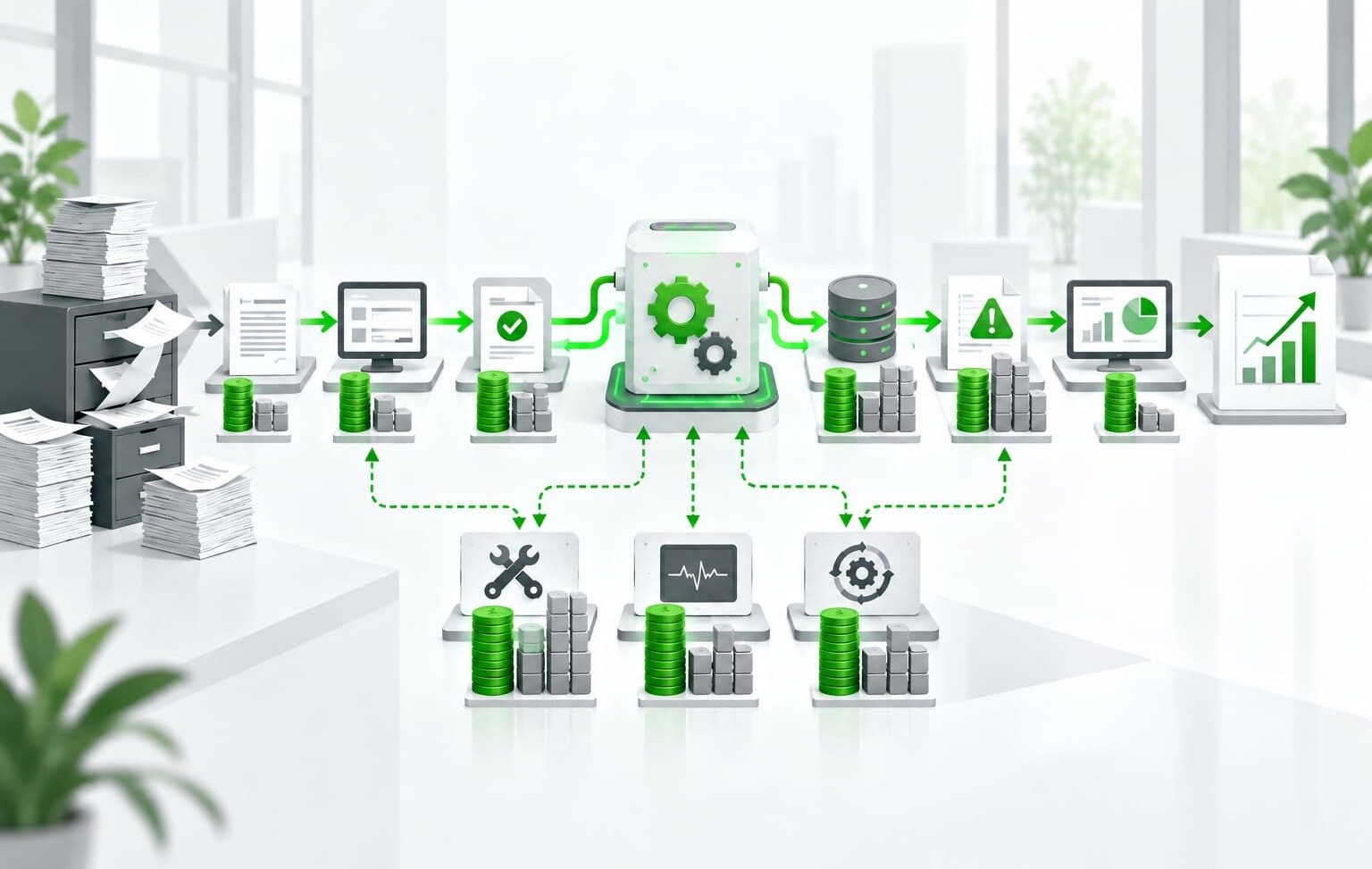
Business Process Automation Implementation Steps
A structured implementation process connects the business objective with technical design, testing, and ongoing ownership. It also provides the information needed to estimate the business process automation cost before major development begins.
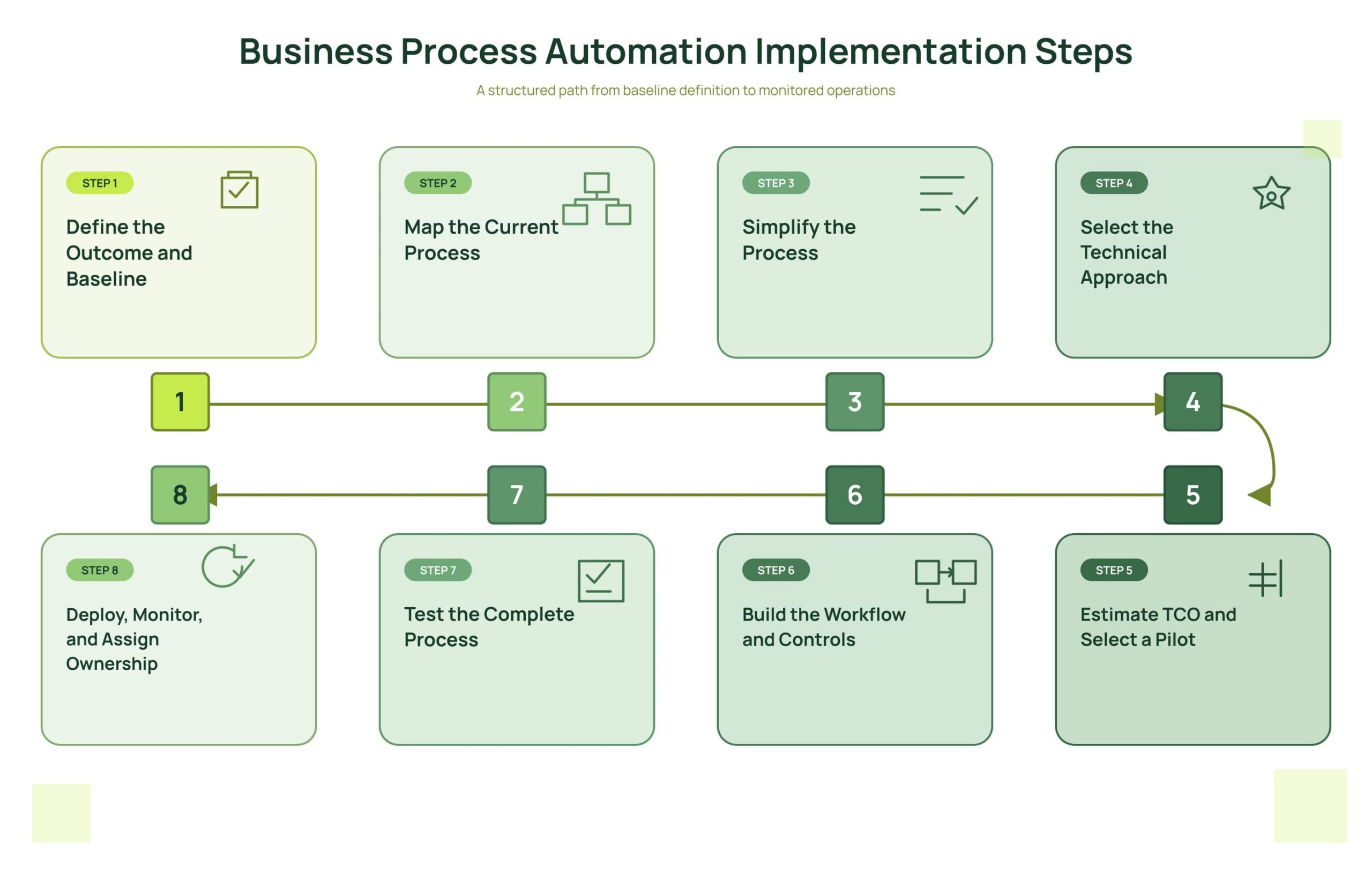
Image 1. Business Process Automation Implementation Steps
Step 1. Define the Outcome and Baseline
Record the current cycle time, manual effort, cost per case, error and rework rates, SLA performance, and process volume. Define the expected result in measurable terms so the team can compare performance before and after automation.
Step 2. Map the Current Process
Document the triggers, activities, participants, systems, data, decisions, approvals, exceptions, and outputs. Process mining or task mining can help when a high-volume workflow is difficult to reconstruct from interviews and existing documentation.
Step 3. Simplify the Process
Remove duplicate approvals, unnecessary data entry, and activities that do not contribute to the result. The simplified workflow should define which tasks will be automated and which decisions will remain with employees.
Step 4. Select the Technical Approach
Compare native application features, low-code platforms, APIs, RPA, orchestration, custom development, and AI components against the process requirements. Consider integration coverage, exception handling, security, reliability, and maintenance before selecting the approach.
Step 5. Estimate TCO and Select a Pilot
Estimate implementation, licenses, infrastructure, support, maintenance, and expected internal effort to establish the full business process automation cost. Select a pilot with a measurable outcome, limited scope, sufficient volume, an available process owner, and manageable integration risk.
Step 6. Build the Workflow and Controls
Implement business rules, permissions, exception queues, retries, alerts, audit logs, manual overrides, and recovery procedures. AI outputs below the approved confidence threshold should be routed for human review.
Step 7. Test the Complete Process
Test the standard workflow and realistic failure scenarios, including missing data, duplicate submissions, unavailable systems, permission errors, peak volumes, and recovery. Confirm that errors are detected, recorded, and assigned to the correct owner.
Step 8. Deploy, Monitor, and Assign Ownership
After release, monitor completion and exception rates, processing time, errors, failed integrations, manual intervention, user adoption, and cost per transaction. Assign an operational owner and compare actual results with the baseline to confirm that the automation delivers the expected business value at an acceptable total cost.
Common Budgeting and Implementation Mistakes
Budgeting only for licenses. Subscription fees exclude discovery, integrations, testing, monitoring, rollout, support, and maintenance, so they do not represent the complete business process automation cost.
Selecting a tool before mapping the process. This can force the workflow to fit platform limitations instead of business requirements.
Ignoring exceptions. Missing data, rejected requests, duplicate records, and failed approvals usually create more production complexity than the standard process path.
Using RPA when an API is available. UI bots can be faster to launch, but they are more sensitive to interface changes and often require more maintenance.
Automating an unstable process. Frequent changes to rules and responsibilities increase development effort and create recurring rework.
Launching without ownership and monitoring. Automation becomes difficult to support when no process owner, alerts, or incident procedures are defined.
Adding AI without control boundaries. AI components need evaluation criteria, confidence thresholds, audit records, and human review for high-risk decisions.
Key Takeaways
Simple workflow automation can start from a few thousand dollars, but integrations, exceptions, security controls, and reliability requirements determine most of the implementation effort. The first process should combine measurable business value with manageable technical complexity.
A complete business process automation cost estimate includes implementation, licenses, infrastructure, operations, support, and future changes. Outsourced delivery can provide specialist expertise and additional capacity, but the company still needs an internal owner for process rules, priorities, and results.
Explore TechBar’s Software Product Engineering services to learn how our team can assess, design, and implement automation for your business processes.

Dmytro Halkin COO
FAQs
-
How long does business process automation take?
A basic workflow can take one to four weeks. Cross-system automation commonly takes one to three months, while department-level or enterprise initiatives can require several months or longer. Process clarity, integrations, exceptions, testing, and security requirements affect the timeline.
-
Can a small business afford process automation?
Yes. A small business can begin with native application features or a usage-based workflow platform and focus on one measurable process. A limited scope reduces the initial business process automation cost and provides evidence for later investment.
-
Is RPA cheaper than API integration?
RPA can require less initial work when a legacy application has no suitable API. When supported APIs are available, API integration usually provides better stability and is less sensitive to interface changes. The comparison should include maintenance and support, not only initial implementation.
-
How much should be budgeted for maintenance?
The maintenance budget depends on process change frequency, connected systems, transaction volume, reliability requirements, and the selected tools. It should be included in annual total cost of ownership and cover monitoring, updates, incident response, and technical support.
-
Should automation be developed internally or outsourced?
The decision depends on available skills, delivery capacity, long-term support needs, and the expected number of future automations. A hybrid model keeps process ownership and business expertise inside the company while an external team provides architecture, integration, or engineering support.