
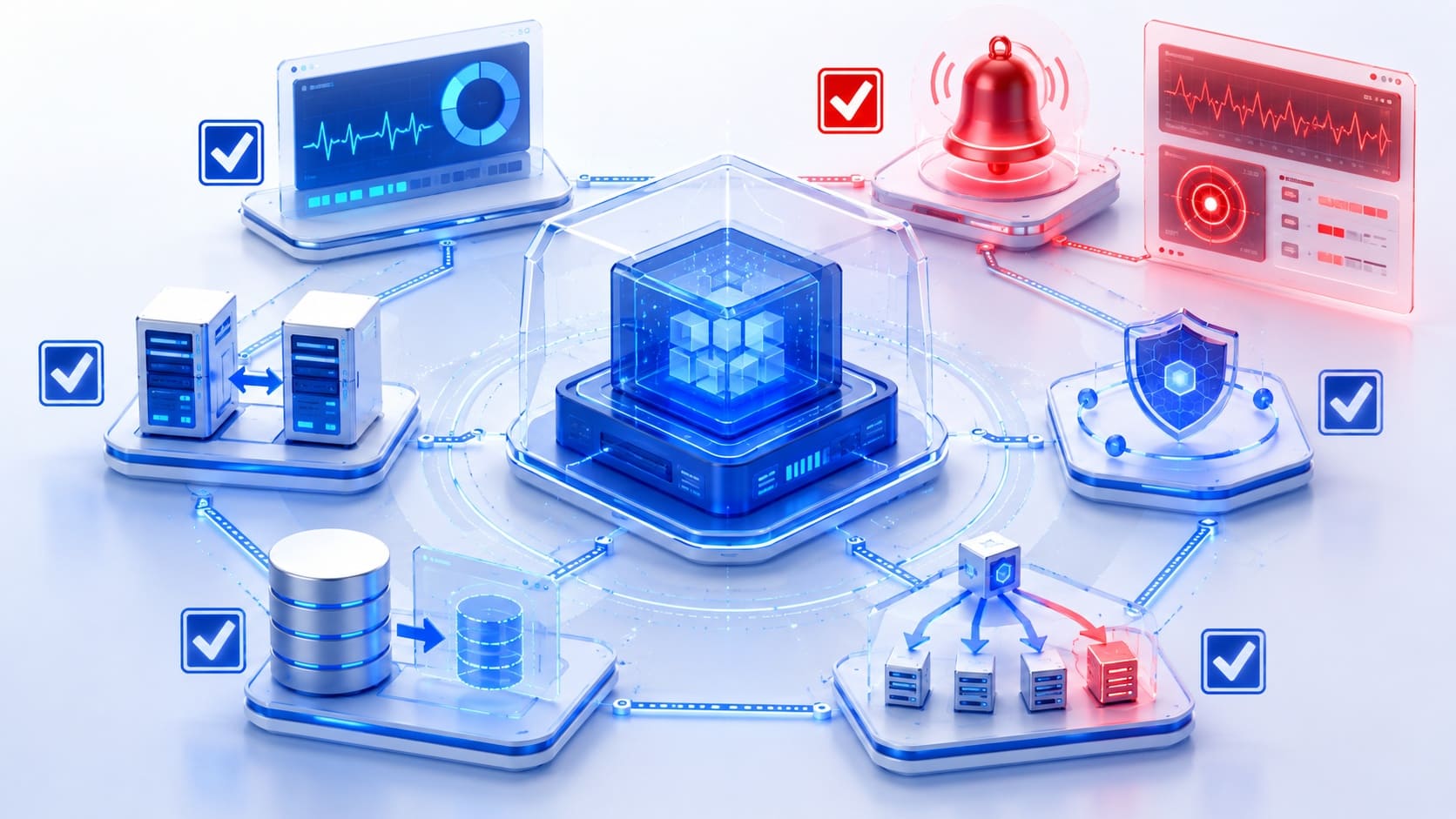
Article Highlights
- Reliability should be defined through measurable user-facing targets rather than infrastructure uptime alone.
- Timeouts, bounded retries, circuit breakers, idempotency, and graceful degradation help contain dependency failures before they spread through the system.
- Backups provide value only when restore procedures are tested against recovery time and recovery point objectives.
- Monitoring should connect technical signals to critical user journeys and produce alerts that lead to a clear action.
- The checklist should be reviewed before major releases and after changes to architecture, traffic patterns, dependencies, or business requirements.
A production application can appear stable during normal traffic and still fail when demand changes, a dependency slows down, a deployment introduces an error, or data must be restored. Reliability depends on how the system behaves under these conditions and how quickly the team can detect, contain, and recover from a failure.
This article provides an application reliability checklist for teams preparing a new system for production or reviewing an existing one. It covers reliability targets, architecture, dependencies, data recovery, observability, release safety, capacity, incident response, and the evidence required to confirm that each control works in practice.
What Application Reliability Means in Production
Application reliability is the ability of a system to perform its intended functions correctly and consistently when users need them. Availability is part of this definition, but it does not cover the full user experience. A service can return successful responses while producing incorrect results, losing data, delaying transactions, or failing only for a specific customer segment.
A useful reliability review begins with critical user journeys. For an e-commerce platform, these can include product search, checkout, payment confirmation, and order updates. For a healthcare product, the critical paths can include access to patient records, appointment scheduling, and clinical data exchange. Each journey needs a measurable success condition and an agreed response when the condition is missed.
The application reliability checklist below follows this user-facing view. It also accounts for the architecture and operating practices that support the expected outcome.
Application Reliability Checklist: 10 Production Checks
1. Identify Critical User Journeys and Failure Impact
Identify the workflows whose failure would create the greatest operational, financial, regulatory, or customer impact. For each journey, define the expected result, map the systems it depends on, assign an owner, and document acceptable degraded behavior.
2. Define SLIs, SLOs, and an Error Budget
Define user-facing indicators for every critical journey, such as successful transaction rate, latency, or data freshness. Each SLO should have a target, measurement window, data source, and owner, while the error budget should guide decisions about reliability work and releases.
3. Remove Single Points of Failure
Review the full request path for components, providers, regions, or manual steps that can stop a critical journey. Add redundancy and automatic failover where the business impact justifies them, and confirm that health checks measure the application’s ability to serve real traffic.
4. Control Dependency Failures
Set appropriate timeouts, bounded retries, and monitoring for every important internal or external dependency. Use circuit breakers, idempotency controls, load shedding, or graceful degradation where a dependency failure could spread through the application.
5. Validate Capacity and Overload Behavior
Test the system against realistic peak traffic, sudden demand, and reduced capacity rather than average load alone. Confirm that scaling, rate limits, backpressure, and prioritization protect critical operations and that the application recovers after traffic returns to normal.
6. Protect Data and Prove Recovery
Define RTO and RPO targets for critical data stores, then align backup frequency, retention, encryption, and access controls with them. Run scheduled restore tests to confirm that data is complete, usable, and recoverable within the required timeframe.
7. Build Observability Around User Impact
Connect metrics, logs, and traces to critical user journeys so the team can see which users are affected and where a failure begins. Dashboards should reflect SLOs, while alerts should focus on sustained, actionable symptoms rather than every internal event.
Ask an engineer who did not build the latest feature to diagnose a staged failure using the available dashboards, logs, traces, and runbooks. The time and information required reveal gaps that are difficult to see during implementation.
8. Make Deployments Safe and Reversible
Cover critical journeys, integrations, migrations, and failure cases with automated tests before release. Use gradual rollouts, health checks, feature flags, and tested rollback or roll-forward procedures to limit the impact of a faulty change.
9. Test Failure and Recovery Paths
Exercise realistic scenarios such as infrastructure loss, database failover, dependency slowdown, queue backlog, resource exhaustion, and expired credentials. Tests should run in a representative environment and confirm that detection, containment, recovery, and monitoring work as expected.
10. Prepare Incident Response and Ownership
Define on-call coverage, severity levels, incident roles, communication channels, and escalation paths before a failure occurs. Alerts and runbooks should provide enough context for diagnosis and mitigation, while post-incident actions need owners and deadlines.

Benefits of a Structured Reliability Review
Clearer priorities: Critical journeys and SLOs connect engineering work to user and business impact.
Lower incident impact: Containment, failover, rollback, and recovery controls reduce the number of users and processes affected by a failure.
Safer releases: Gradual delivery and measurable health checks allow teams to detect issues before a change reaches the full user base.
Faster diagnosis: Connected metrics, logs, traces, and runbooks reduce the time spent locating the source of an incident.
More predictable recovery: Tested procedures replace assumptions about backups, failover, and restoration with measured results.
Common Application Reliability Mistakes
Measuring server uptime instead of user outcomes: Healthy infrastructure does not confirm that a critical transaction completed correctly.
Adding retries without limits: Unbounded or synchronized retries can increase load on an already failing dependency and extend the incident.
Creating alerts for every anomaly: High alert volume trains teams to ignore notifications. Alerts should indicate a meaningful symptom and require a clear action.
Assuming redundancy guarantees recovery: A secondary component can share the same configuration error, capacity limit, dependency, or corrupt data as the primary component.
Checking that backups exist without restoring them: Backup completion does not prove data integrity or confirm that recovery targets can be met.
Treating reliability as a pre-launch task: Traffic, dependencies, architecture, data, and business expectations change after release. The review must change with them.
A reliability review should result in a prioritized action plan with assigned owners, deadlines, and measurable acceptance criteria. Critical issues that affect core user journeys, data integrity, or recovery should be addressed before lower-impact improvements.
Key Takeaways
Reliable production systems are built around clear user outcomes, explicit targets, controlled failure behavior, observable critical paths, reversible change, proven recovery, and prepared ownership. The value of an application reliability checklist comes from the evidence attached to each item. A control should be considered complete only when the team can show that it works under realistic conditions.
The checklist does not require every application to use the same architecture. Reliability requirements should reflect business impact, compliance obligations, expected traffic, recovery needs, operating model, and budget. This keeps the review strict where failure matters most and proportionate where simpler controls are sufficient.
TechBar’s software product engineering team helps companies assess production systems, address reliability risks, and improve application stability as products and technical requirements change.

Daria Zhyshchynska Content Manager
FAQs
-
How often should an application reliability checklist be reviewed?
Complete the review before the first production release and before major changes to architecture, infrastructure, data, dependencies, or critical user journeys. A shorter review should form part of recurring engineering planning. SLOs, capacity, alerts, backup results, and incident actions require more frequent monitoring based on the product’s risk and support expectations.
-
What is the difference between application reliability and availability?
Availability measures whether a system or function can be accessed during a defined period. Reliability covers a broader outcome: the application should perform the intended function correctly and consistently. A service can be available while returning incorrect data, timing out for part of the user base, or failing to complete an important workflow.
-
Which reliability checks should a team prioritize for a legacy system?
Begin with critical user journeys, production observability, single points of failure, backup restoration, dependency behavior, and release rollback. These areas reveal immediate operational risk without requiring a full modernization project first. The findings can then guide refactoring, replatforming, or architecture changes according to business impact.
-
When is an application ready for production?
An application is ready when critical journeys have measurable targets, expected load has been tested, major failure modes are controlled, data can be restored within agreed objectives, releases can be reversed, monitoring can detect user impact, and the responsible team can respond through tested runbooks and escalation paths. Open risks should have named owners and explicit acceptance.