Article Highlights
- Modernization does not always require rebuilding the entire application
- The right strategy depends on business and technical factors
- A detailed system assessment should come before implementation
- Incremental modernization reduces operational risk
- Modernization creates measurable business benefits beyond updated technology
Legacy applications often remain at the core of business operations long after their underlying technologies become difficult or costly to maintain. As technical debt grows, companies face slower releases, limited scalability, security concerns, and increasing dependence on outdated infrastructure.
In this article, we examine what legacy application modernization involves, the main strategies companies can choose, the benefits modernization can deliver, and the key steps required to manage the process.
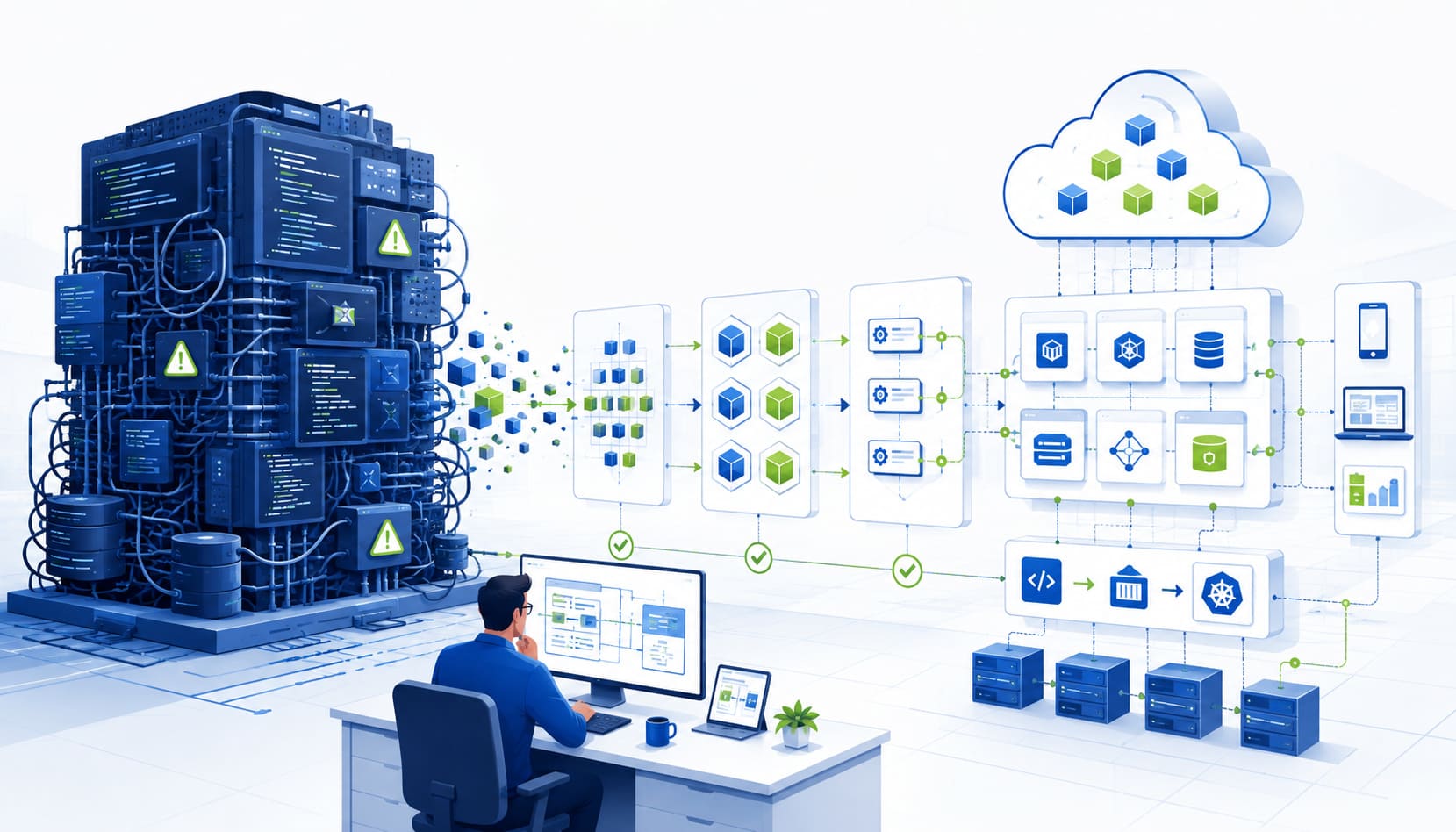
Legacy application modernization is the process of updating, improving, optimizing, or migrating outdated software to modern technologies and environments. Depending on the scope, it can cover applications, infrastructure, databases, integrations, and operational processes. This approach helps companies improve system performance, reduce maintenance costs, and meet current security and industry requirements.
The Main Legacy Application Modernization Strategies
The 6R and 7R models are commonly used to structure legacy application modernization decisions, with the 6R model being the most widely adopted approach. It helps determine the most appropriate modernization strategy for a specific application based on its technical condition, business value, available budget, and acceptable level of risk. The 7R model, in turn, is generally applied when assessing an entire application portfolio and planning a broader cloud migration.
Below, we have outlined these strategies in detail.
Rehosting
Rehosting involves moving an application from on-premises infrastructure to the cloud or another modern environment with minimal changes to its code. This approach is also known as “lift and shift”.
It is often selected when a company needs to move away from outdated hardware or close a data center within a limited timeframe. Rehosting also works when the application performs its current functions reliably, but the company is not ready to change its architecture.
Replatforming
This strategy moves a system to a new platform and introduces a limited set of technical changes while preserving its core architecture and business logic. These changes can include migrating to a managed database, replacing infrastructure components, or adjusting the application to work more effectively in a cloud environment.
This strategy is suitable when a company wants to improve scalability, system management, or infrastructure costs without rebuilding the entire application.
Refactoring
Refactoring changes the internal structure of the code while keeping the application’s main user-facing functionality intact. The goal is to make the existing codebase easier to maintain, test, and extend.
This approach works well when the system still provides clear business value, but its code has become difficult to manage. Refactoring can include:
- updating frameworks and libraries;
- removing duplicated code;
- updating APIs;
- automating tests;
- addressing critical technical debt.
Rearchitecting
This approach involves substantially redesigning the application architecture to address structural limitations in the existing system. The business functionality can remain largely the same, while the way system components interact changes.
Examples of rearchitecting include:
- separating the frontend from the backend;
- gradually breaking a monolith into independent services;
- introducing serverless components.
This strategy is appropriate when the existing architecture limits scalability, slows down releases, complicates integrations, or prevents development teams from working independently.
Rebuilding
Rebuilding replaces a legacy application with a new solution developed from the ground up while preserving the required business processes and data. Within a legacy application modernization project, the new system can reproduce essential functionality while accounting for current operational needs and technical requirements.
This is one of the highest-risk modernization strategies because data must be migrated separately, critical business rules must be recreated, and the new system must be thoroughly checked for missing functionality.
Rebuilding is generally considered when the existing codebase is extremely difficult to maintain, its technologies have reached the end of support, or maintenance costs are higher than the projected cost of a new solution.
Replacing or Repurchasing
Replacing, also called repurchasing, means retiring a custom legacy system and moving its functionality to an existing SaaS platform or another commercial product. Instead of maintaining proprietary software, the company configures the selected solution around its business processes.
This option works best when the required functionality is relatively standard and does not provide a unique business advantage. For example, a company can replace an internally developed CRM with Salesforce, HubSpot, or Microsoft Dynamics.
Modernization Strategies Comparison
Each legacy application modernization strategy differs in scope, cost, implementation risk, and the type of business need it addresses. The table below compares these factors and outlines the conditions under which each option should be considered.
| Strategy | Risk Level | Cost & Effort | Heading 4 |
|---|---|---|---|
| Rehosting | Low | Minimal, little to no code changes | Best when legacy infrastructure needs to be left quickly and the application still performs its function well |
| Replatforming | Low-Medium | Moderate, targeted changes without rewriting logic | Suitable when scalability or cost efficiency needs improvement without a full system overhaul |
| Refactoring | Medium | Moderate-High, depends on the scope of technical debt | Relevant when the application still delivers value, but the code is difficult to maintain, test, or extend |
| Rearchitecting | Medium-High | High, requires significant engineering work | Applicable when the current architecture limits scalability, release frequency, or independent team workflows |
| Rebuilding | Highest | Highest, separate data migration, business logic rebuilt from scratch | Necessary when the legacy codebase is nearly impossible to maintain or the underlying technology is no longer supported |
| Replacing (Repurchasing) | Medium (different type of risk, vendor lock-in) | Depends on licensing, but often faster than a rebuild | Fitting when the functionality is standard and does not create a unique business advantage |
Legacy Application Modernization Benefits
Legacy application modernization is intended to improve how a system supports current business operations and future requirements. The specific benefits are outlined below.
More efficient and reliable operations
Modernization replaces slow, manual processes with automated deployment pipelines, monitoring, and standardized workflows. Teams can release updates faster, identify issues earlier, and restore services with fewer operational handoffs.
Lower maintenance and infrastructure costs
Legacy applications often require expensive hardware, outdated licenses, and specialists with increasingly rare technical knowledge. As part of legacy application modernization, moving to right-sized infrastructure and managed services can reduce ongoing expenses while making resource consumption easier to control.
Stronger security and compliance
Modern systems support current security patches, role-based access, audit trails, and automated vulnerability checks. These controls reduce exposure to known threats and help companies meet regulatory and industry requirements more consistently.
Greater scalability and adaptability
Modernized applications can adjust to growing traffic, data volumes, and changing business requirements without extensive infrastructure changes. Modular architecture and cloud-based resources also allow teams to update individual components without affecting the entire system.
Faster and simpler integrations
Clear APIs and structured event flows make it easier to connect the application with payment platforms, analytics tools, CRM systems, and other business software. Companies can introduce new services without building complex workarounds around outdated interfaces.
Better customer and employee experience
Faster response times, fewer service interruptions, and updated interfaces make applications easier and more reliable for customers. Employees also spend less time working around system limitations or completing repetitive tasks manually.
Reduced dependency on individual specialists
Documentation, shared ownership, automated processes, and clear operational runbooks distribute system knowledge across the team. This reduces the risk of critical maintenance or recovery procedures depending on one engineer who understands the legacy codebase.
A stronger foundation for future technology initiatives
Legacy application modernization creates a stronger technical foundation for adding analytics, automation, AI features, and new digital services as business priorities change. Teams can introduce these capabilities gradually without repeatedly working around the limitations of outdated technologies.
Key Steps in the Legacy Application Modernization Process
1. Assess the Current Application
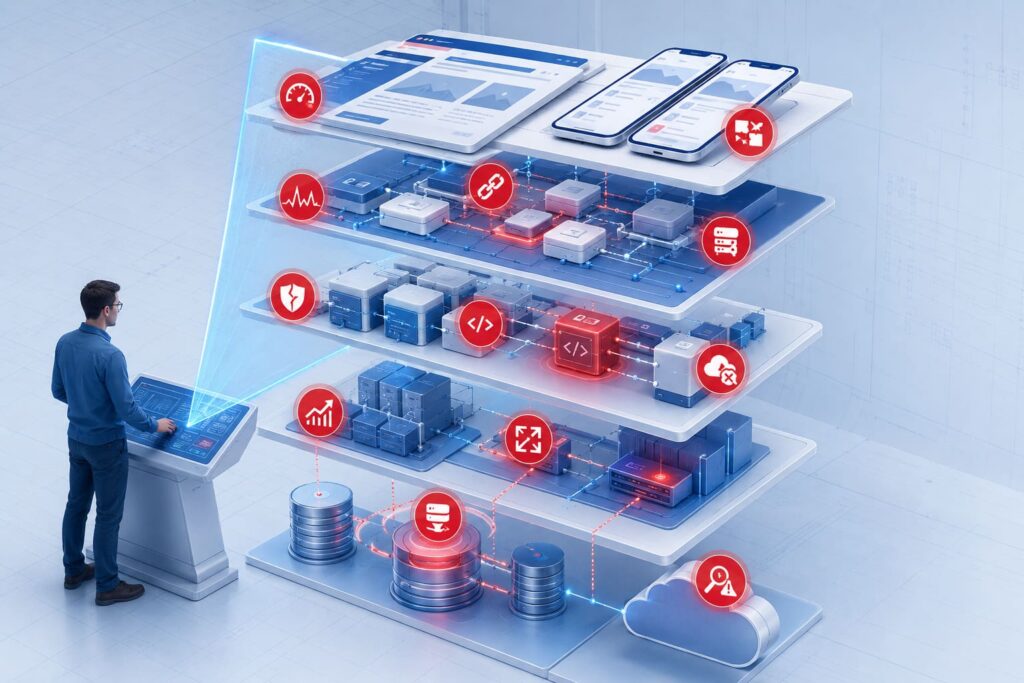
Begin with a complete assessment of the application’s architecture, codebase, technologies, infrastructure, databases, security, performance, maintenance costs, and technical debt. This creates a clear view of the current architecture, technical risks, operational limitations, and modernization readiness.
2. Map Dependencies and Data Flows
Document all connections to APIs, databases, third-party services, scheduled jobs, authentication providers, reporting tools, and manual processes. This reduces the risk of disrupting connected systems, which is why IBM recommends reviewing integrations, dependencies, code configurations, and software inventory before modernization begins.
3. Define Business Goals and Success Metrics
Set clear business goals before choosing a technical approach, such as reducing costs, accelerating releases, improving performance, limiting incidents, meeting security requirements, or supporting new features. Translate these goals into measurable indicators that can be used to evaluate modernization results.
4. Choose the Modernization Strategy
Select the most appropriate legacy application modernization strategy: rehost, replatform, refactor, rearchitect, rebuild, or replace. The decision should reflect the application’s business value, code quality, dependencies, downtime limits, budget, timeline, and compliance requirements. Large systems can combine different strategies across individual components.
5. Design the Target Architecture and Roadmap
Define the target architecture across application components, data storage, integrations, infrastructure, security controls, deployment, monitoring, and disaster recovery. Then create a phased roadmap that sets priorities, timelines, responsibilities, and dependencies.
6. Validate the Approach with a Pilot
Test the selected approach through a proof of concept or pilot focused on a representative, low-risk component. Microsoft recommends starting the execution phase with an end-to-end proof of concept before applying the strategy across the wider system.
7. Modernize Incrementally and Migrate Data
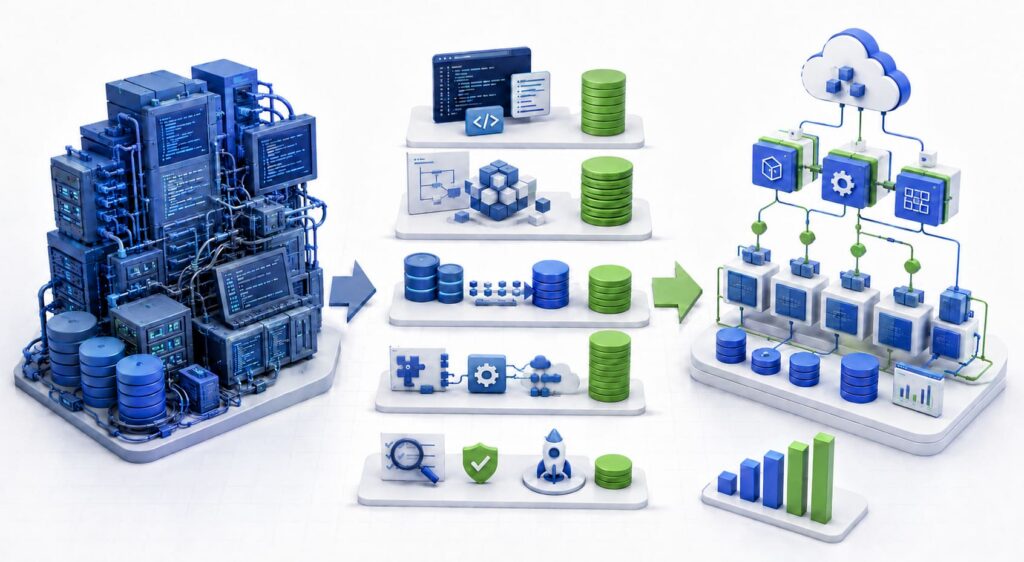
Execute legacy application modernization in stages by updating components, infrastructure, and data through framework upgrades, containerization, API development, monolith decomposition, database migration, or module replacement. For large or business-critical systems, patterns such as Strangler Fig, feature flags, canary releases, and parallel runs allow the legacy application to remain operational throughout the transition.
8. Test, Deploy, and Prepare for Rollback
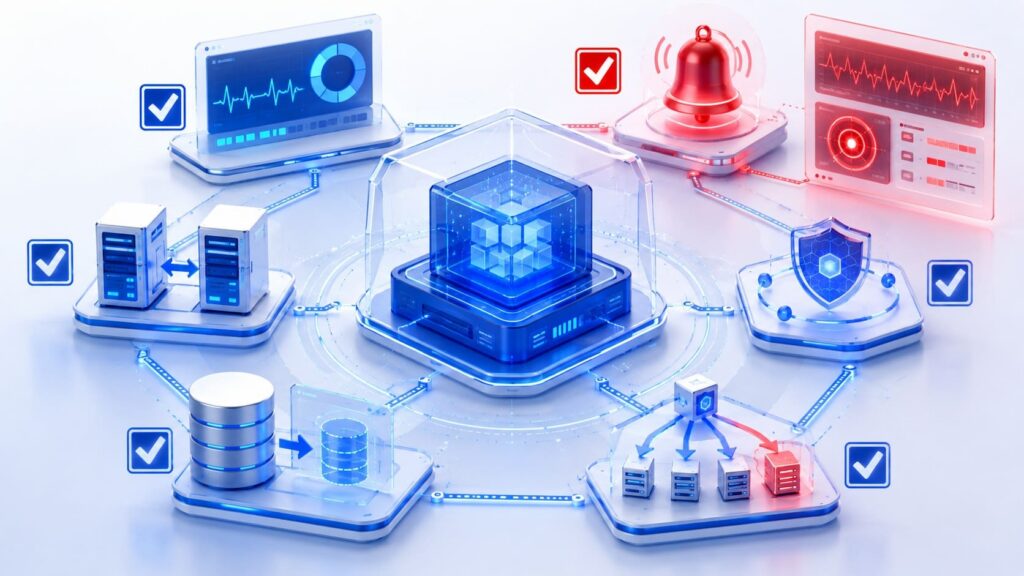
Test application functionality and the updated operational model before the production launch, including performance, security, integrations, data integrity, and critical business workflows. The deployment plan should define the cutover sequence, responsible team members, communication process, rollback conditions, and post-launch checks for access, error rates, and response times.
Key Takeaways
Legacy application modernization can address rising maintenance costs, security risks, limited scalability, and slow development cycles. The appropriate strategy depends on the system’s technical condition, business value, dependencies, budget, and acceptable level of risk.
A successful modernization project starts with a detailed application assessment and clear business goals. Careful planning, incremental implementation, data migration, testing, and rollback preparation help protect critical operations throughout the process.
For companies that need support assessing an existing system, selecting a strategy, or managing implementation, TechBar’s expertise can help define and execute an approach suited to the application and its business context.

Daria Zhyshchynska Content Manager
FAQs
-
What is legacy application modernization?
Legacy application modernization is the process of updating, migrating, restructuring, rebuilding, or replacing outdated software. It can cover the application code, infrastructure, databases, integrations, security controls, and operational processes.
-
Which legacy application modernization strategy should a company choose?
The decision depends on the application’s business value, code quality, architecture, dependencies, downtime requirements, budget, and timeline. A company can choose rehosting, replatforming, refactoring, rearchitecting, rebuilding, or replacing, while complex systems can require a combination of several strategies.
-
How long does legacy application modernization take?
The timeline depends on the system’s size, technical debt, integration complexity, data volume, selected strategy, and compliance requirements. A limited rehosting project can take several weeks, while rebuilding or rearchitecting a business-critical system can require several months or longer.
-
What are the main risks of legacy application modernization?
Common risks include undocumented dependencies, data loss, service interruptions, missing business logic, integration failures, and unexpected changes in system performance. These risks can be reduced through dependency mapping, incremental implementation, realistic testing, data validation, and a documented rollback plan.
-
Can a legacy application be modernized without interrupting business operations?
Many systems can be modernized in stages while the existing application remains operational. Techniques such as parallel runs, feature flags, canary releases, and the Strangler Fig pattern allow teams to introduce updated components gradually. The appropriate method depends on system architecture and acceptable downtime.